
Getting Garmin dog electronics ready for hunting season
September 3, 2025
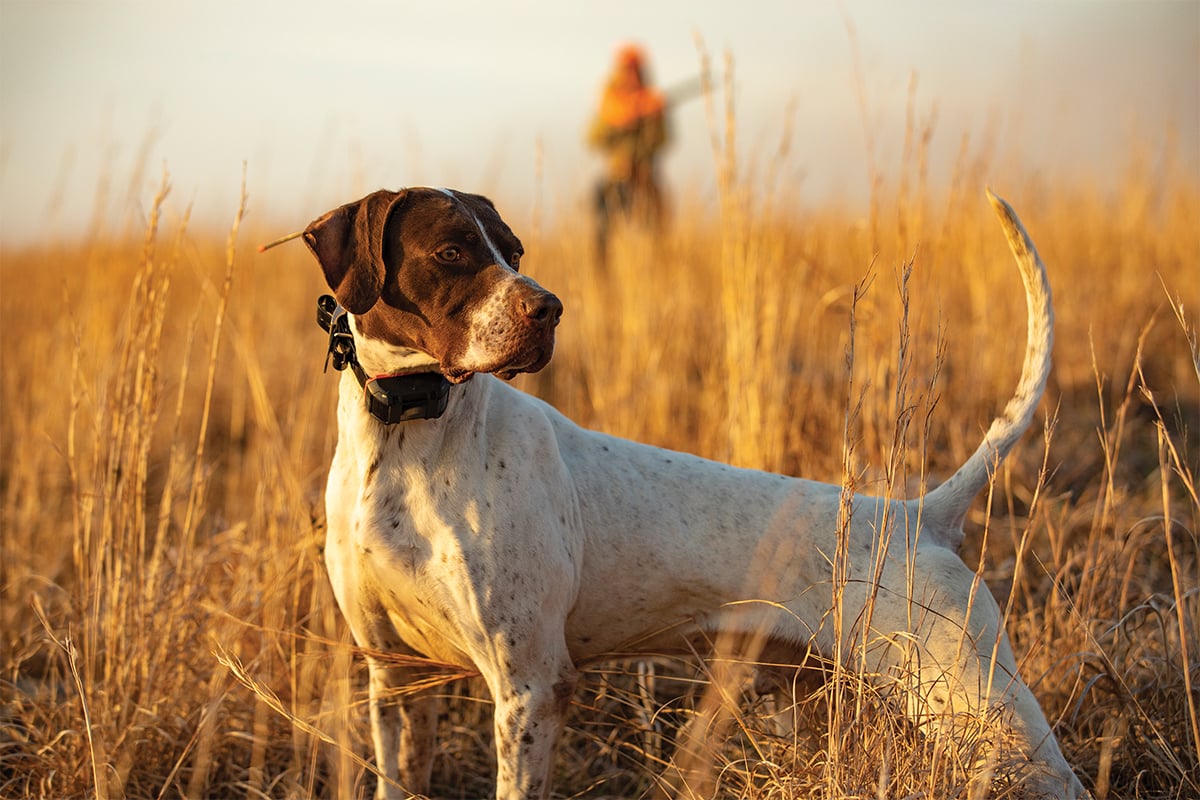
Around this time of year, when the heat of summer breaks and evenings don’t last quite so long, my hunting dog starts acting a little different. She has more pep in her step, her overly dramatic *sighs* disappear, and whenever I go near the gun closet, what I swear is a smile creeps across her face.
It’s my unofficial cue that hunting season is just around the corner, and I need to start getting things ready.
Between organizing duck decoys, running dog drills, trying to remember where exactly I stored my brush chaps, pouring over hunting forecasts, and figuring what weekends I’ll be gone and where, it’s easy to overlook one of the most critical aspects of hunting season prep.
Making sure my Garmin dog electronics are spooled up and ready to go.
So here is the checklist you can go through to make sure your season starts the moment the tailgate drops.
Six things to check on your Garmin dog electronics before you go hunting
Physical gear check of dog device and handheld: It’s easy to turn your collars off at the last hunt of the season and not look at them again until the first hunt of the next season; however, it’s important to give your gear a once-over.
On the dog device, clean charging contacts and tighten screws and collar points. Dirty contacts can make charging difficult, and losing one collar point will make correction functionality inoperable and will leave you unable to recall your dog. Also, be sure inspect the GPS flex band for any loose or broken wires. The loss of GPS connection will render GPS functionality inoperable.
- Tip: Alpha® TT 25 collars have user-replaceable flex bands in multiple sizes — standard or zero length for smaller dogs.
Make sure the antennas on your collar and handheld are in good shape and properly connected. If your collar antenna was chewed on and wires are exposed, replace the antenna. The antenna may work fine but exposed wires can potentially injure your dog.
- Tip: When replacing any collar antenna, place the collar on a light-colored towel before starting. The antennas are easy to replace, but the screws are even easier to lose when you drop one — and you will drop one (or two).
On the handheld, make sure your antenna is screwed in properly and check to ensure any lanyard or holster attachment hardware is in good condition.
Battery chargers and clips: Make sure you know where all your handheld chargers and collar charger clips are located. Once located, make sure your devices are fully charged. While Garmin handhelds and collars have exceptional battery life, a dead battery will ruin a hunt faster than water in your boots.
- Tip: New Garmin TT 25 collars have the option for a user-installable extended battery pack, which provides up to 136 hours in dynamic tracking mode. It’s never a bad idea to keep a backup handheld battery on hand in case of emergency. If your Garmin dog tracking collar will not charge or power on, several things can be checked to resolve the issue, as explained here.
Update software: Garmin periodically releases updates for devices to improve performance, correct bugs and, most importantly, add new features. Updating your GPS collars, handhelds and the Alpha mobile app can be one of the simplest things you can do to avoid frustration in the field.
Calibrate compass: If using a GPS collar, calibrate the compass on your handheld to ensure proper directional readings. It’s good practice to recalibrate if traveling a long distance between when the collar was last powered on.
- Tip: How to calibrate the compass on an Alpha 300i
Is your subscription active? If you have an Alpha 200i or 300i, ensure your inReach® subscription1 is active and test your device before use. If you haven’t yet created an inReach plan, we highly recommend considering it. Hunting by nature is dangerous and you never know when you’ll need an SOS button … or when you’ll just want to send a message to friends or family saying, “Having a great hunt!”
For those using Outdoor Maps+ and Alpha LTE, checking your subscription status is also a good idea to ensure a seamless in-field experience.
Properly paired: Power your collar and handheld on and make sure they are still properly paired to one another. If not, pair your dog tracking handheld to the collar by following these steps.
- Tip: Using the “tone” function is an easy way to confirm the collars are properly paired. If you hear a tone on the collar, it has a connection. However, always double-check that the GPS is tracking before you let your dog off leash.
New dog products to consider
Alpha LTE: This small, rugged LTE dog device attaches to an existing dog collar and pairs with the Alpha Mobile app so users can view their dog’s movements directly from a compatible mobile device. Customers who want additional tracking capabilities can pair Alpha…